 Audibounce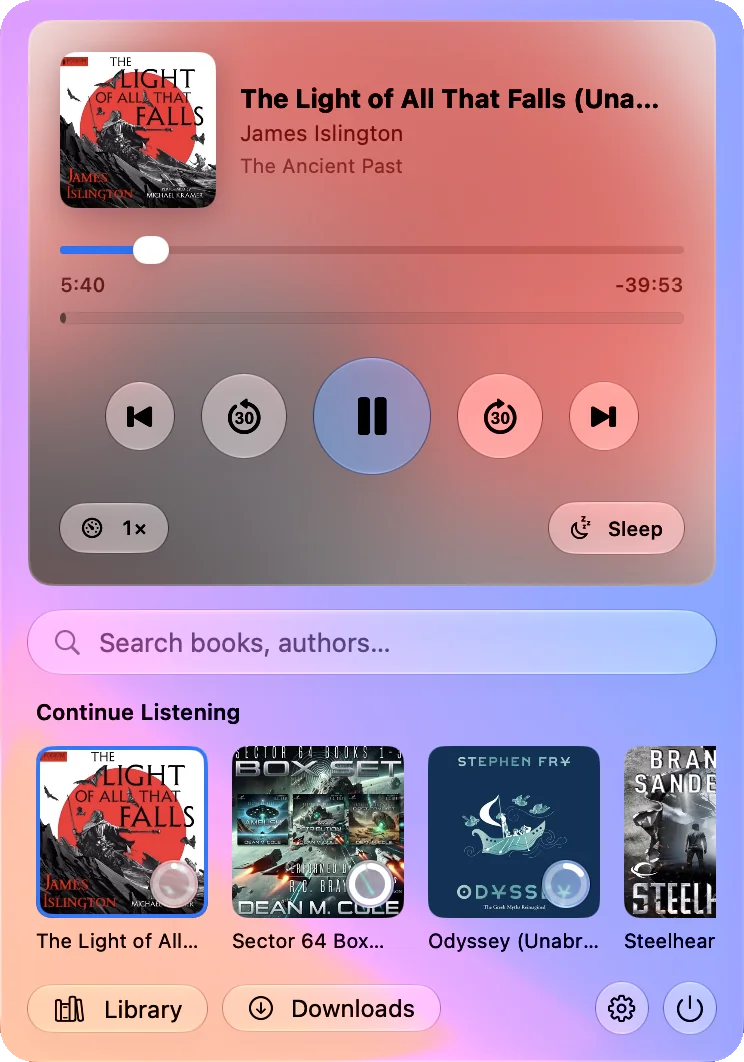
Your whole library in a real Mac window
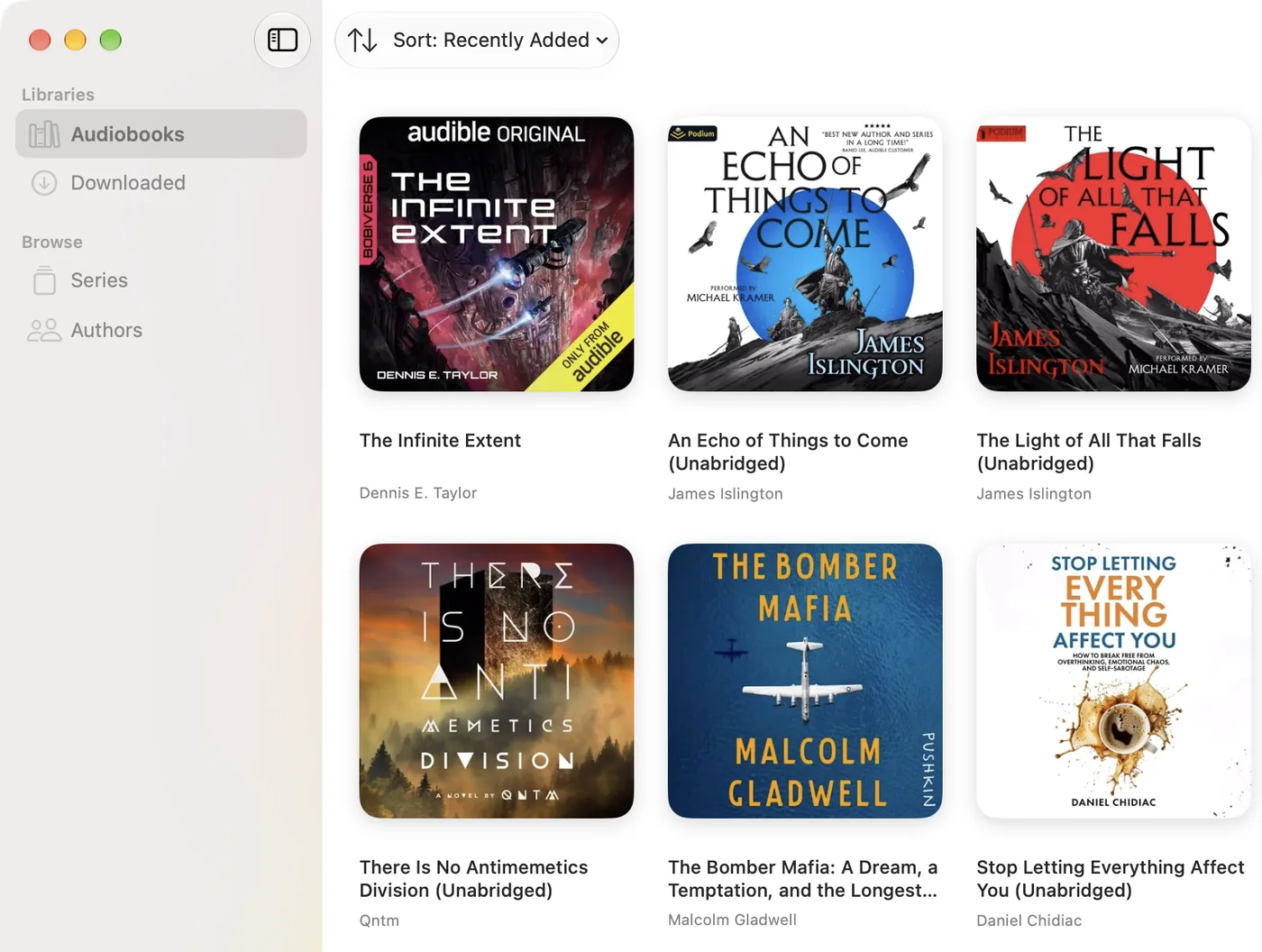
Browse by library, series or author. Open any book to see its narrator, series and every chapter, and start it from the one you want.
Download books to listen offline on a plane or anywhere without Wi-Fi. They play from your Mac and sync when you're back.
Widgets that sit on your desktop
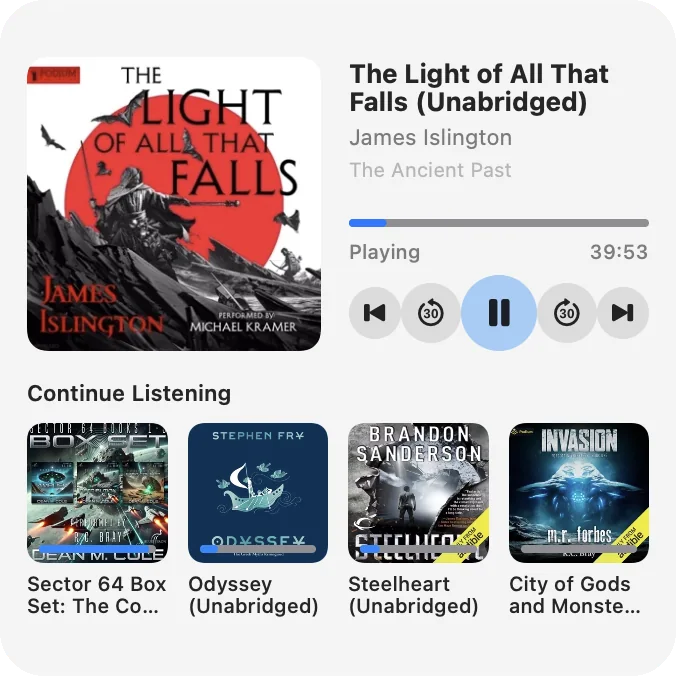
Add Audibounce to your desktop in small, medium or large. Progress moves as you listen, and the buttons play, pause, skip 30 seconds and jump chapters.
The large widget keeps Continue Listening in view, so the next book is a click away.


Progress that never goes backwards
Audibounce saves your place to your server as you listen, when you pause and when you quit. Listen on your phone later and you carry on from the same second.
Offline, your progress is kept safely on your Mac and sent when you're back online. If you listened further on another device in the meantime, that newer position wins.
- While listening
- Your position is saved to your server every 15 seconds and whenever you pause.
- Offline
- Progress is kept on your Mac, even if it restarts, and delivered when you reconnect.
- On two devices
- Paused here and listened on your phone? Resume on the Mac and it jumps to where your phone left off.
Signs in the way your server does
Enter your server's address and Audibounce shows the sign-in methods it offers.
- Username and password
- An API key from your Audiobookshelf settings
- Single sign-on with your OpenID Connect provider